
NORTH STUDIONew project enquiry
More business.
Less
busywork.
I’m Shay Pinhassi. I build systems and automation
that make running your business simpler.
FROM THE PIECES TO THE PICTURE
A business
in sync
A request becomes a plan. A plan becomes work. See what happens when the pieces connect.
A studio launch, imagined
01 / UNDERSTAND
First, find
the loose ends
A message. A proposal. A deadline. The same project, scattered across different places.
02 / CONNECT
One brief
everyone aligned
The request, quote and schedule connect. Every step has a place. You approve the way forward.
03 / MOVE
A clear place
for the next step
Tasks, meetings and follow-up, in one place. This is the actual Studio dashboard I built.

Your pace. Scroll forward or back.
About this illustration
An animated story with fictional records. Scrolling connects the request, proposal and schedule, without calling an AI service or changing a real system. The final screenshot is from my actual Studio project, with privacy-safe demo data.
The actual Studio management dashboard, showing a full view of meetings, tasks, clients and quotes with fictional data
NOW MAKE IT YOURSYour business, Your versionFind a starting point
Estimate the work today. Leave with a useful starting point for our conversation.
Use 1–10,000 whole occurrences and 1–1,440 minutes.
–Add your estimate
Current workload based on your inputs. This is not a forecast of time saved.
PINHASSI SOLUTIONS
Your initial workflow brief
A starting point for discovery, not a finished specification.
To investigate on the discovery day
- Where does the information live today?
- Which tools allow a reliable connection?
- Who owns exceptions and access permissions?
Your choices stay on this page. WhatsApp opens a draft for you to review and send.
Selected workSELECTED WORK / 01
Built for work
Here’s the proof
Real interfaces from my projects.
Original Hebrew screens, with demo data.
01 / STUDIO MANAGEMENTClients, quotes and meetings
Your studio
on one page
Today’s schedule. Open quotes.
The next client coming through the door.
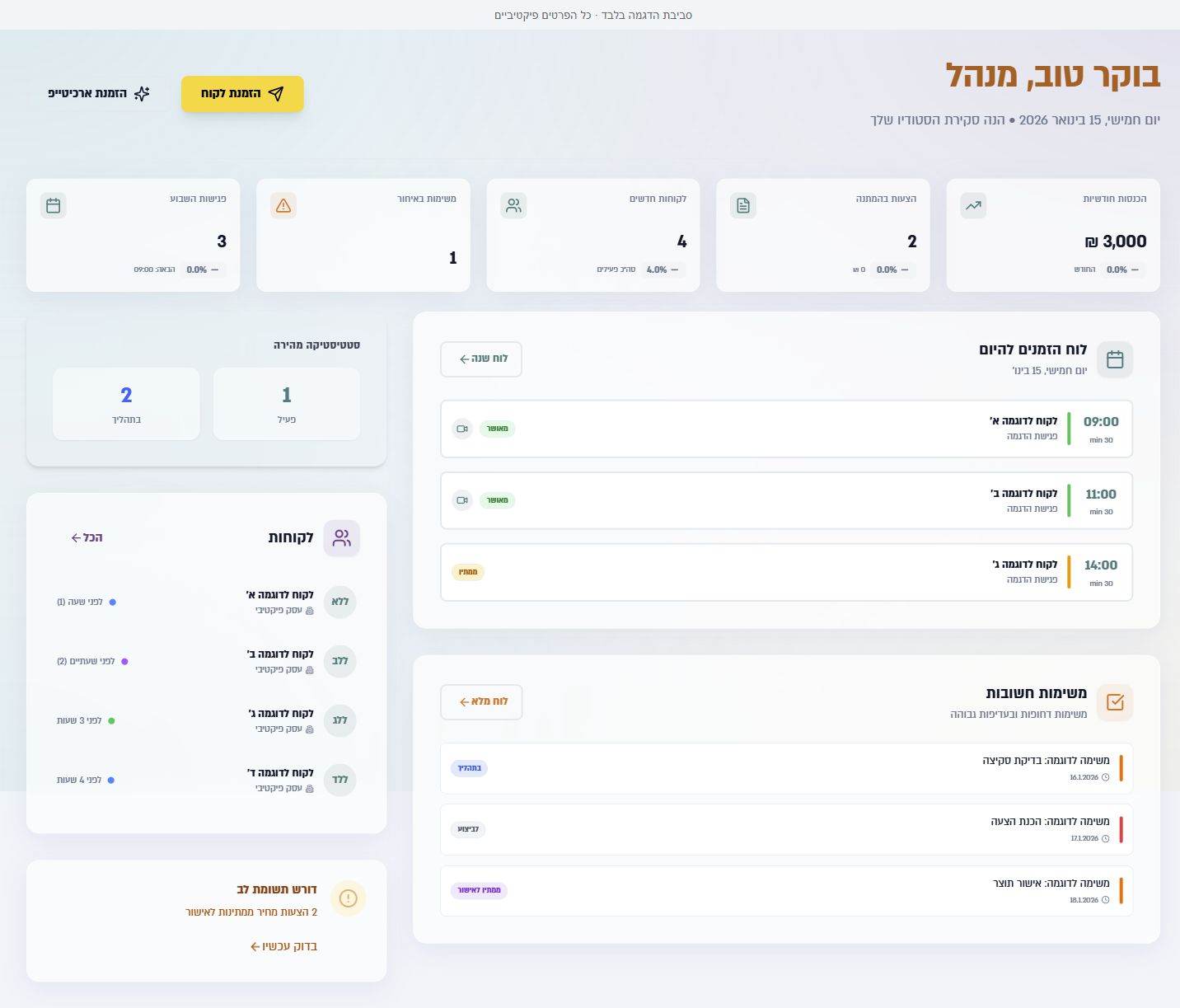
Meetings, tasks, clients and open quotes. One clear view of your studio.
Read the project story: Studio management02 / GROWTH STUDIOContent, tasks and planning
Every draft
with a clear next step
Growth Studio.
Drafts, tasks and content reviews
in one workspace.
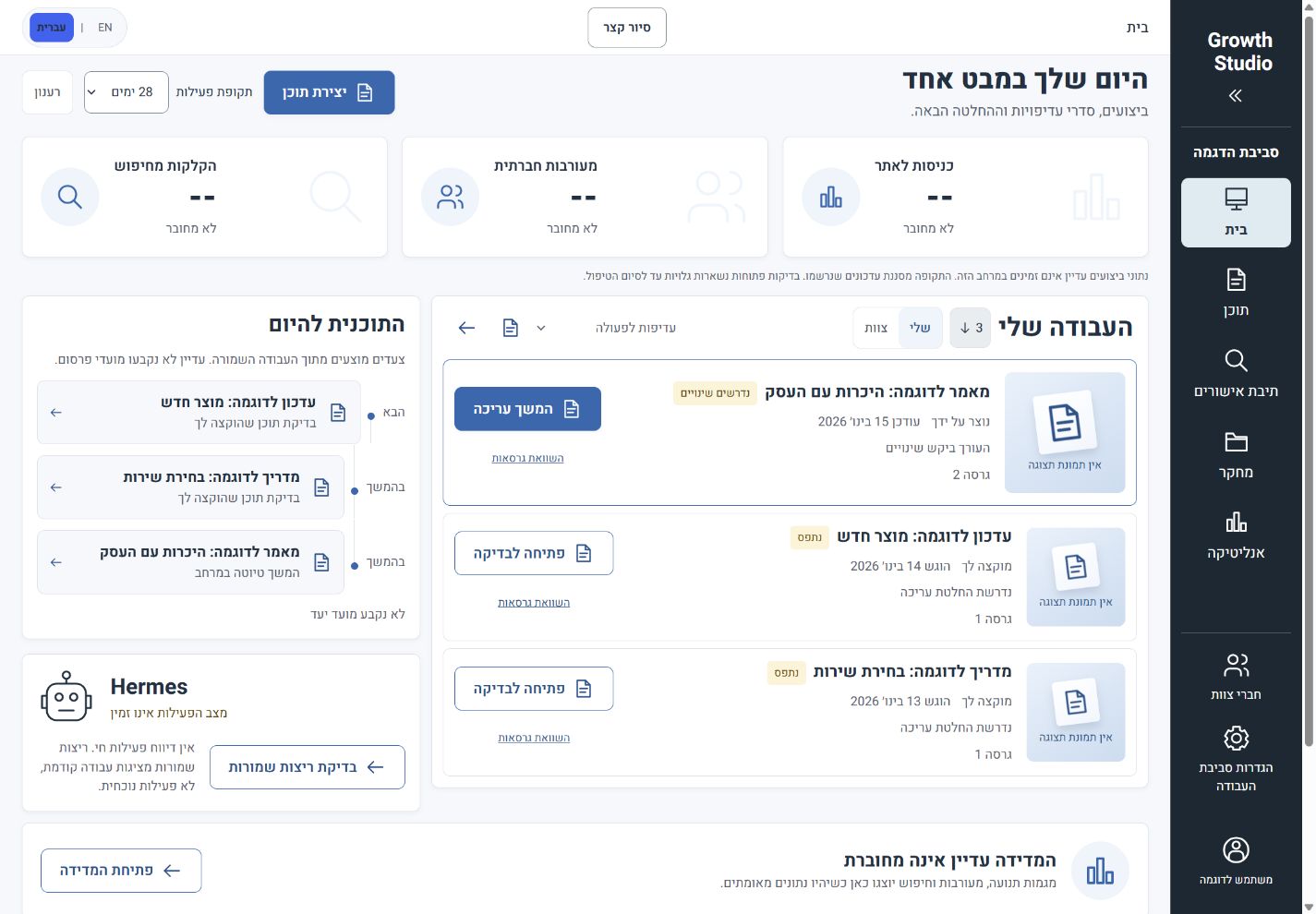
What needs your attention?Close-up: editing, review and version comparison
03 / BEIT ELIYAHUReports, transactions and reconciliation
Your numbers
in one place
Financial reports and transactions.
Activity breakdowns and reconciliation in one clear view.
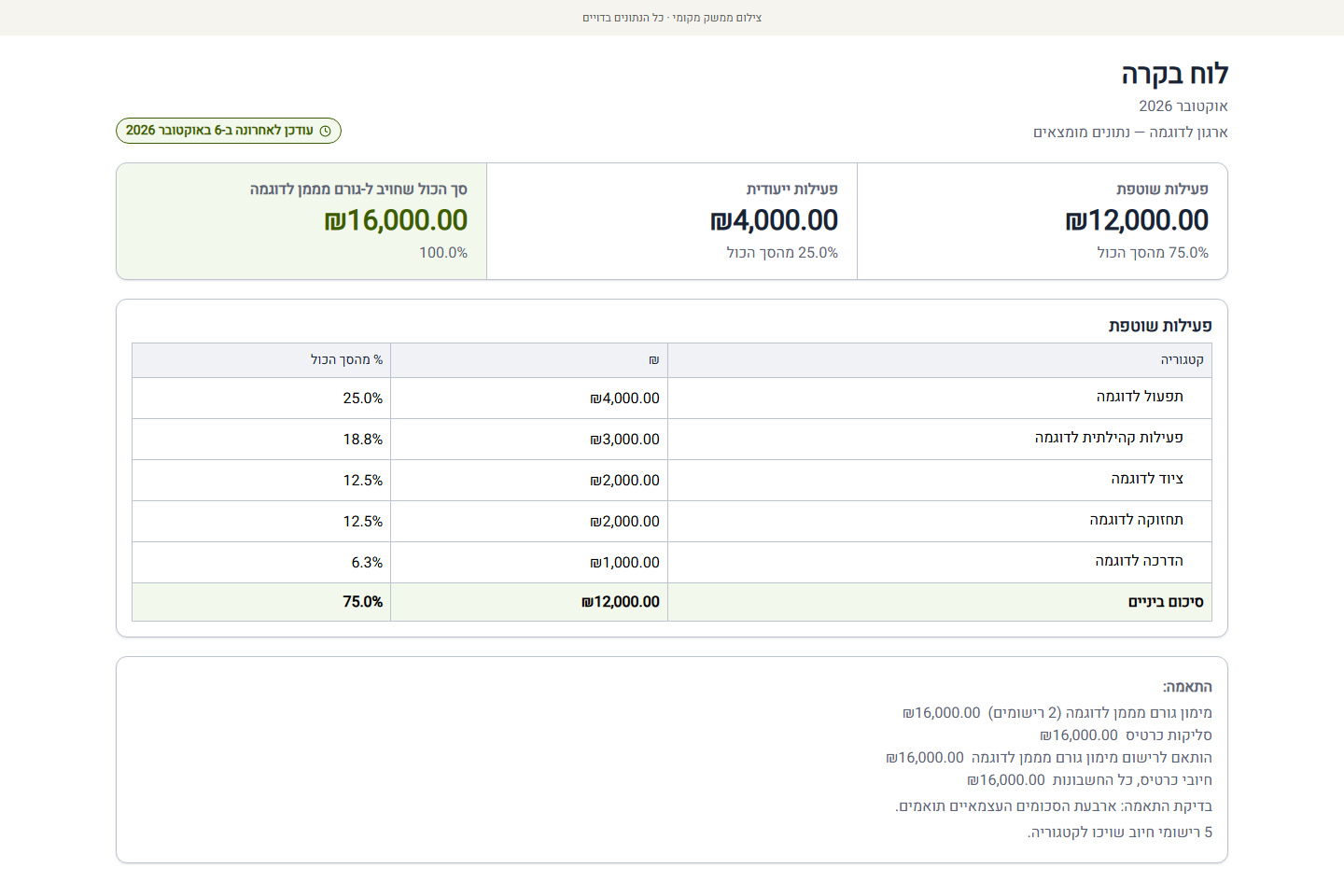
Make sure the numbers add up.Close-up: reconciling funding, card payments and charges
More of my work
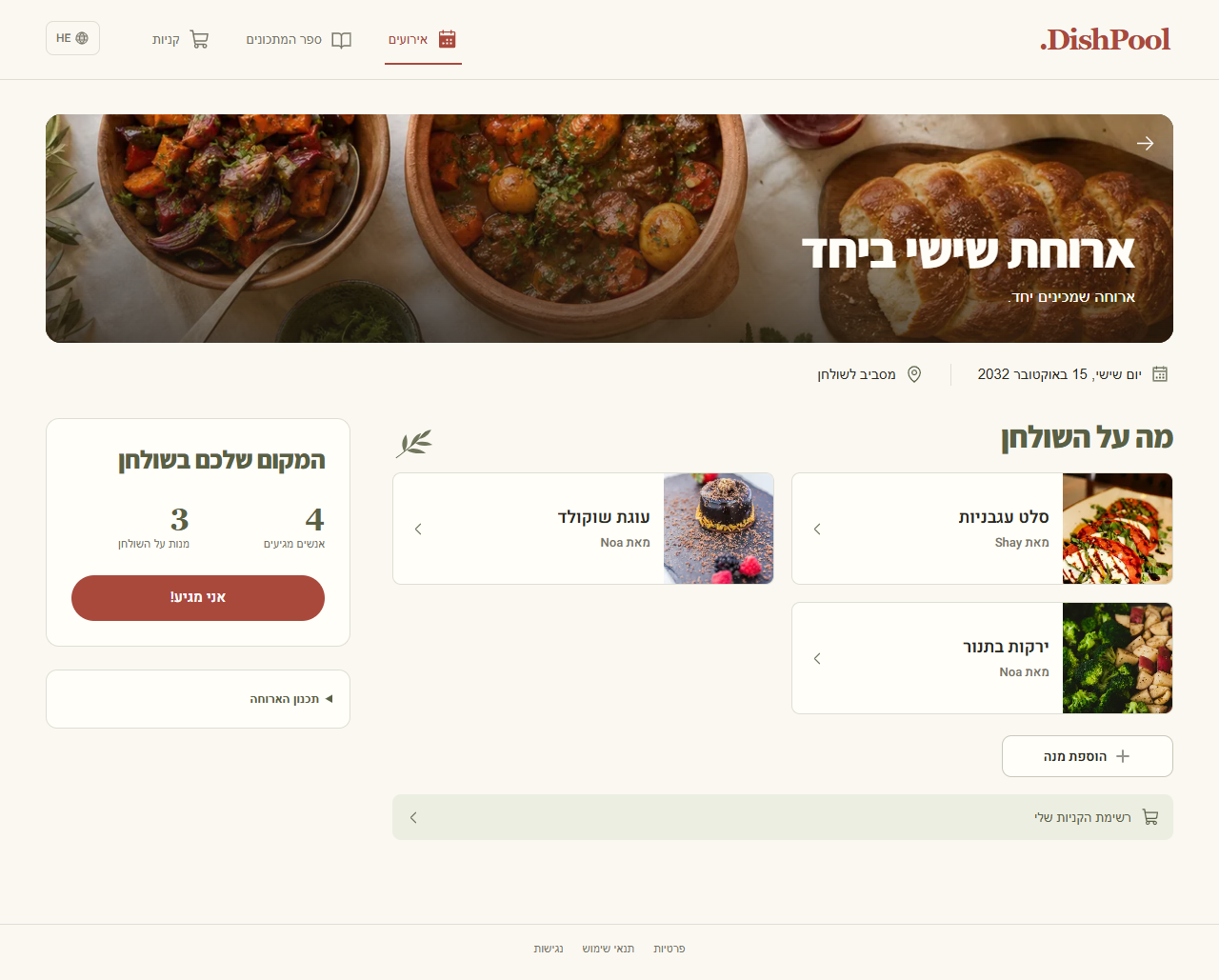
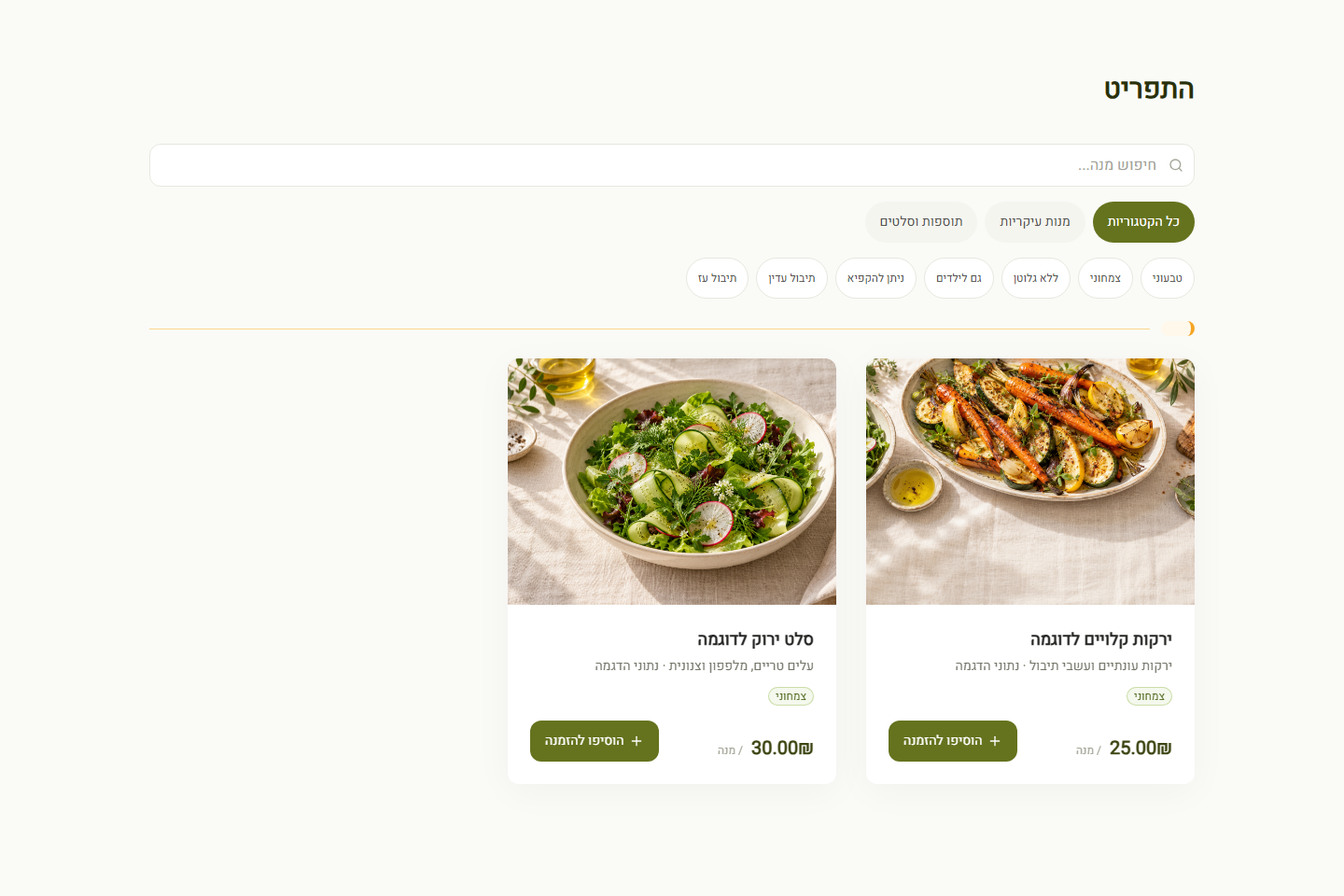
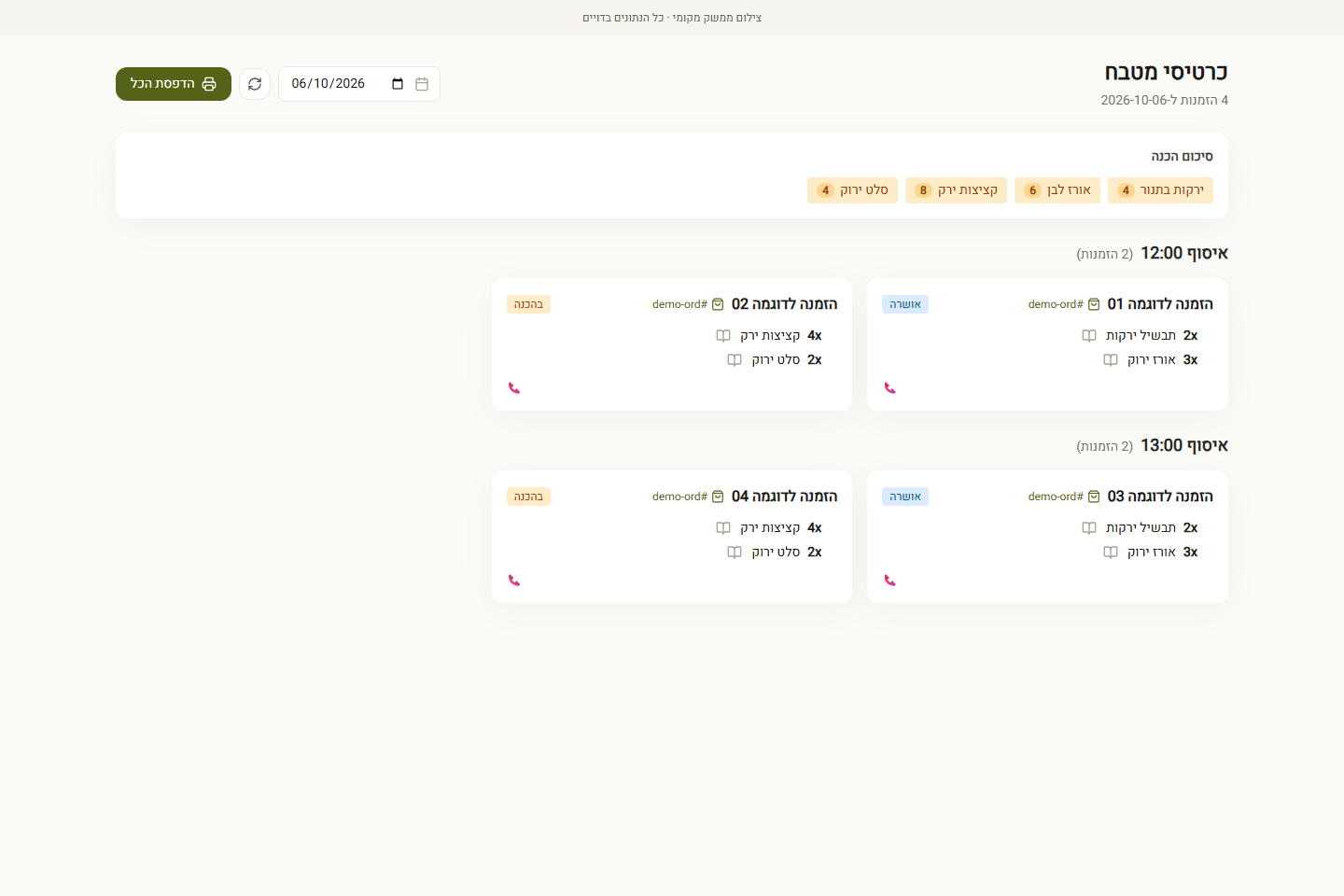
Food images in these sample interfaces were generated with AI.
These are screenshots of my work. Names, amounts and content have been replaced with demo data to protect privacy.
How I can help
Three ways to simplify the work
Business process automation
Explore the serviceCustom business systems
Explore the serviceSystem integration
Explore the serviceHow we work together
Understand first, then build
A day in your business and a practical report
I visit, observe the workflows and speak with the people within our agreed scope. You get a report covering opportunities, obstacles and possible solutions.
Implementation, if you choose
You can act on the report yourself or work with another provider. If we continue together, we agree the scope and build the solution.
Monitoring and maintenance
Support by agreement: fixes, improvements, new features and help with hosting through a suitable provider or in a local environment.
Business understanding, CTO experience and IT expertise. Looking at the process, people and systems together.
Nice to meet youTHE PERSON / 02
Shay Pinhassi
Business, IT and practical solutions
First, understand the business.
Then build the system
I bring business understanding and IT experience together to simplify your work. We start with what already works, find where information gets stuck and spot the tasks you do twice. Then we decide what to connect, improve or build.
Talk directly with meStart with a conversationLET’S TALK / 03
What’s taking up
your time?
Tell me on WhatsApp
Email works too[email protected]
The details you share will be used to respond to your enquiry. How your information is handled